Architectural Services
Why Architects Are Using Revit Plugins Like Enscape and Veras
-
 Soumen
 - August 11, 2025
- 8:43 am

U.S.-based local architectural representation, ensuring communication, accountability, and delivery expectations, managed close to the client.
Explore more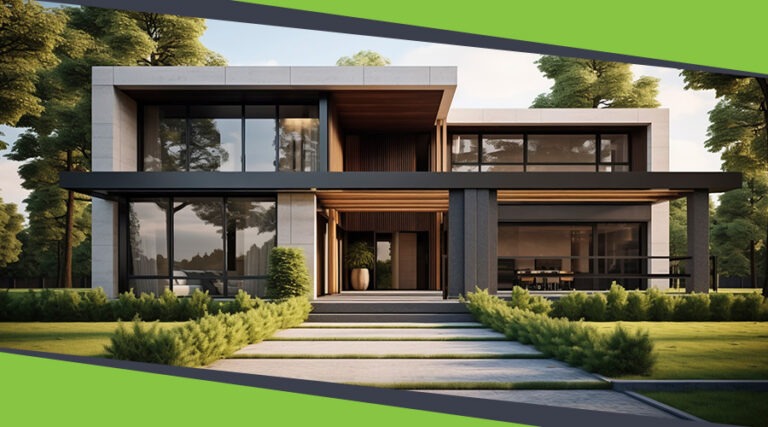
Discover our architectural design excellence through a curated selection of projects.
Explore more
Take a look at how Uppteam can elevate your projects with expert engineering solutions.
Explore more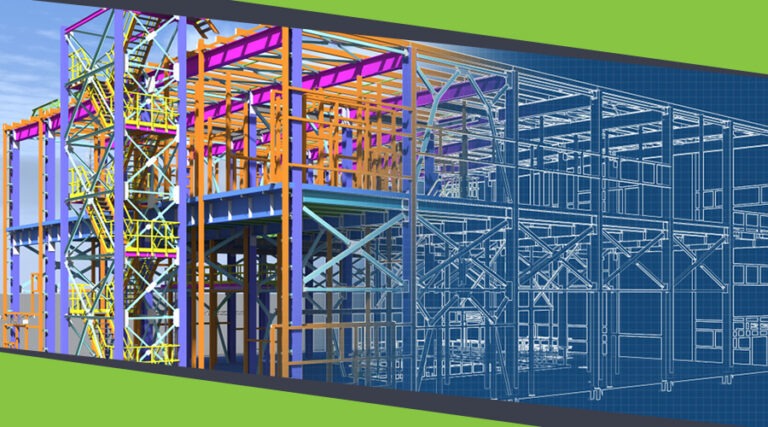
Our Structural Support Services can enhance your structural engineering projects with expert support.
Explore more
Uppteam delivers precise and reliable surveying and mapping solutions to help you make informed decisions.
Explore more
Whether you're working on residential, commercial, or industrial buildings..
Explore more
Uppteam’s Virtual Admin Support can help you with all your administrative tasks..
Explore more
Our experts work as your Second Eye Services expert.
Explore more Soumen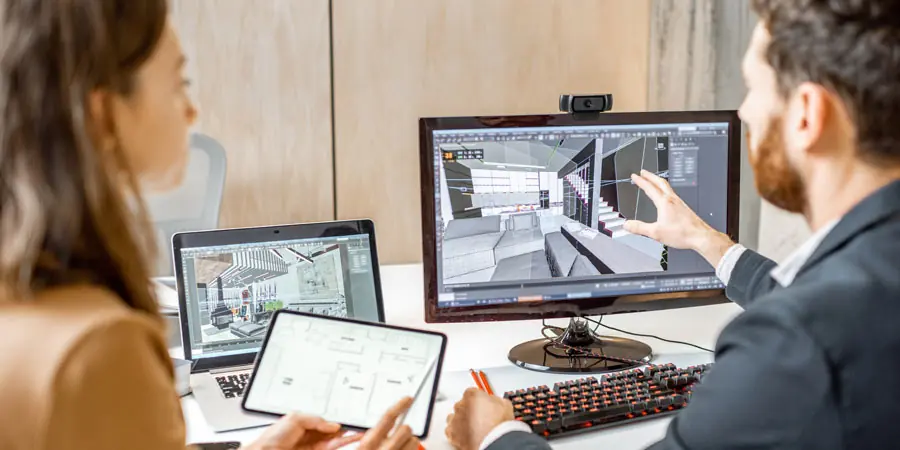
Has your firm ever been in a situation where it took hours to generate architectural renderings while clients grew impatient? Even the leading AEC firms have faced this. So, what is the solution?
Architects today are under real pressure to deliver high-quality visualizations quickly, often while managing live project changes and client expectations in the same meeting. Real-time rendering technology has changed what is possible in that environment.
Two Revit-based plugins are leading that shift: Enscape and Veras. Enscape eliminates rendering queues by connecting directly to Revit in real time. Veras uses generative AI to produce design variations from a single prompt in seconds. Together, they give architectural firms a faster, more flexible visualization workflow without requiring a separate rendering pipeline.
This article examines why U.S.-based architectural firms are adopting these plugins and what they are gaining from them.
Enscape plugs natively into Revit, creating an integrated design and visualization environment where changes to the model appear in the rendering instantly. There are no export-import cycles. No waiting. What the architect changes in Revit is visible in Enscape in real time.
Kohn Pedersen Fox and Foster + Partners, two prominent global architectural firms, extensively utilize Enscape in more than 150 nations. This demonstrates its reliability in high-priority architectural projects.
The unique underlying structure of Enscape enables concurrent design, documentation, and visualization from a single Revit model. This plugin needs no dedicated rendering knowledge. It makes professional-quality visualization accessible to entire design teams. Enscape’s live walkthrough capability further allows architects to navigate fully rendered 3D environments while maintaining a real-time connection to Revit geometry and materials.

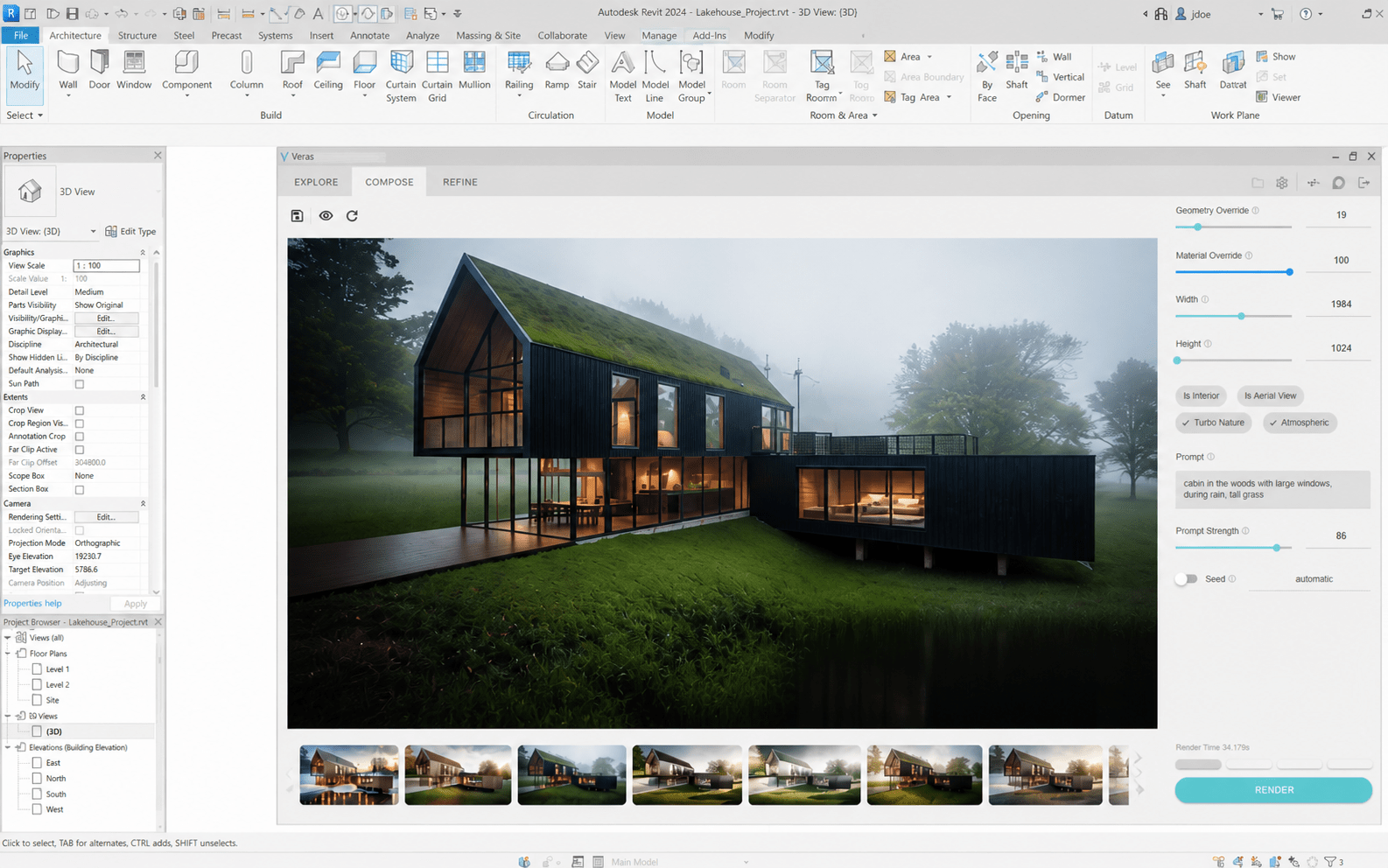
Veras, originally developed by EvolveLAB and now part of the Chaos ecosystem, brings generative AI into architectural visualization. It translates 3D model geometry into conceptual renderings using natural language prompts, allowing architects to explore design directions without manually building each variation.
Veras’s geometry override slider gives architects direct control over how much the AI modifies the original design. Lower settings preserve the architectural geometry and limit changes to materials. Higher settings allow more dramatic geometric exploration, which is most useful during early-stage design. This flexibility makes Veras particularly valuable for quick design iterations and client presentations, where numerous options expedite decision-making.
Enscape’s feature set is built specifically for architectural workflows. Its core capabilities include:
All of these capabilities help architects maintain design momentum while generating professional visualization outputs directly from Revit.
Veras offers several AI-driven features that go beyond basic prompt-to-render generation. The most useful for architectural workflows are:
Enscape and Veras serve different but complementary roles in client communication. Enscape’s live walkthroughs give clients an interactive, spatially accurate experience of the design during meetings. Veras generates multiple conceptual options quickly, making it the stronger tool for early-stage feedback sessions where direction is still being established. Used together, they cover the full spectrum of presentations, from schematic exploration to technical review.
Enscape’s orthographic view capabilities support technical presentations that require parallel projection and axonometric perspectives. This plugin’s material and asset libraries include over 390 pre-configured materials and more than 3,500 assets to foster comprehensive scene composition without external resources. Veras accompanies these technical features with AI-powered conceptual renderings that communicate design intent during initial project phases.
Enscape can effectively eliminate conventional rendering bottlenecks by synchronizing with Revit model modifications in real time. As a result, architects don’t have to wait for prolonged rendering processes anymore. This results in continuous design refinement throughout project development. Enscape also offers multiple architectural rendering styles suited to different design stages: white mode for clean geometric reviews, sketch mode for early-concept presentations, and heat map for performance and analytical communication with clients.
Veras accelerates concept development through its AI ideation engine, generating multiple design variations from a single prompt. Explore Mode offers pre-built settings that simplify early-stage ideation, while custom presets let architects save preferred configurations for use across future projects. Additionally, version 1.9.0.0 introduced Render Engine 6 Sharp, which significantly improves geometry retention, enabling more precise AI interpretations.
Both the Revit plugins Enscape and Veras can augment MEP coordination within architectural projects by leveraging specific visualization capabilities.
Such proficiencies enhance coordination meetings and reduce field conflicts by providing well-defined spatial relationships among building systems.

Adopting Enscape and Veras reduces the need for external rendering studios and specialized hardware. Enscape distributes its computational load efficiently, meaning professional-quality visualization is accessible to the broader design team rather than limited to a dedicated rendering workstation.
Veras further reduces costs by shortening concept development time, allowing more design exploration without a proportional increase in hours. Moreover, Enscape’s integration eliminates software switching overhead and maintains creative momentum in every design session.
Adoption of Enscape and Veras puts modern AEC firms in a strong position to capitalize on emerging industry trends.
For firms making decisions about visualization tools today, both plugins are positioned to remain relevant as those standards evolve.
Enscape and Veras address two distinct but related problems in architectural visualization. Enscape removes the friction between design and rendering by keeping everything inside Revit. Veras accelerates early-stage exploration by generating design variations from natural language prompts. Used together, they reduce the time between design intent and client-ready output across every project phase.
uppteam works with architectural firms to integrate MEP BIM coordination directly into Enscape and Veras workflows. If your projects require building systems that align precisely with your visualization pipeline, our team provides the technical depth to make that happen. Get in touch to find out how uppteam can support your next project.